API Keys
Securing your application with granular credential control.
User Journey: Securing Your Access with API Keys
Once you've explored the models in the playground, the next logical step toward building a production-ready application is managing your API Keys. The API Keys dashboard on DocsRouter is designed to be both powerful and secure, giving developers granular control over their authentication.
The Experience
Managing keys on DocsRouter is a streamlined process that prioritizes "zero-trust" security principles while maintaining a frictionless user experience.
1. Centralized Management
Upon entering the API Keys section, you're greeted with a clean overview of your active credentials. Each key is listed with its name, status, and metadata, such as when it was created and last used.
2. Effortless Creation
Creating a new key is a two-step process:
- Identification: Clicking "Create new key" opens a focused modal. We named our key "Production Walkthrough" to clearly indicate its intended use.
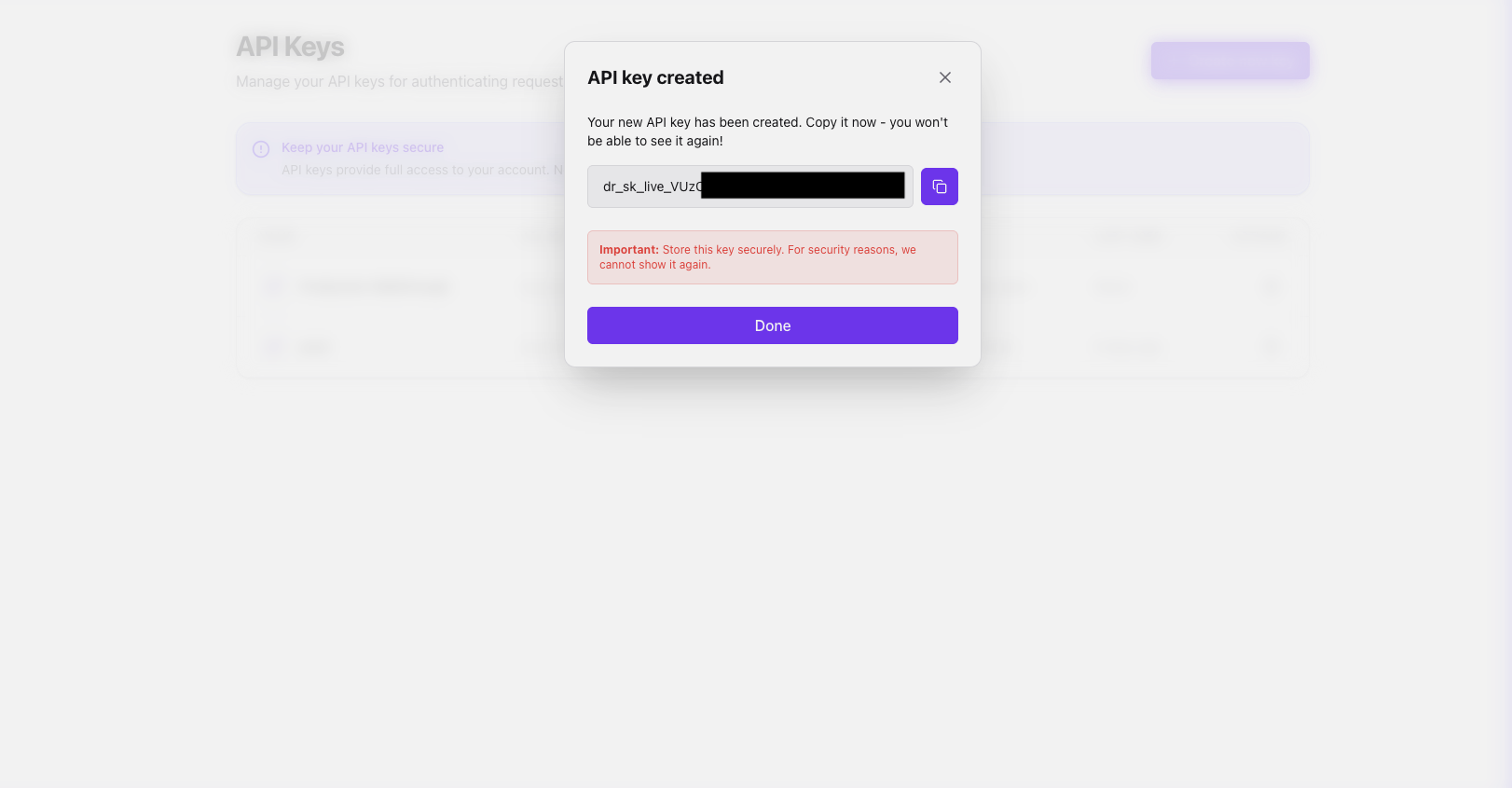
- Generation: With a single click, the platform generates a unique
dr_sk_...prefixed key.
3. Secure Revelation
DocsRouter follows industry best practices by only showing the full API key once. This "reveal" state is clearly highlighted with a warning: "Store this key securely. For security reasons, we cannot show it again."
4. Instance Revocation
One of the most critical features is the ability to instantly kill a key if it's leaked or no longer needed. The platform requires a confirmation step and then immediately purges the key from the system.
Security Highlights
- Single-Show Logic: Reduces the risk of key exposure.
- Descriptive Naming: Allows teams to easily rotate keys by environment (Dev, Staging, Prod).
- Instant Invalidation: Revoked keys are deactivated across the global edge network in real-time.