Guides
Account Settings
Customizing your developer profile.
User Journey: Personalizing Your Explorer Profile
The Account Settings section of DocsRouter provides a private space for users to manage their identity and personal preferences.
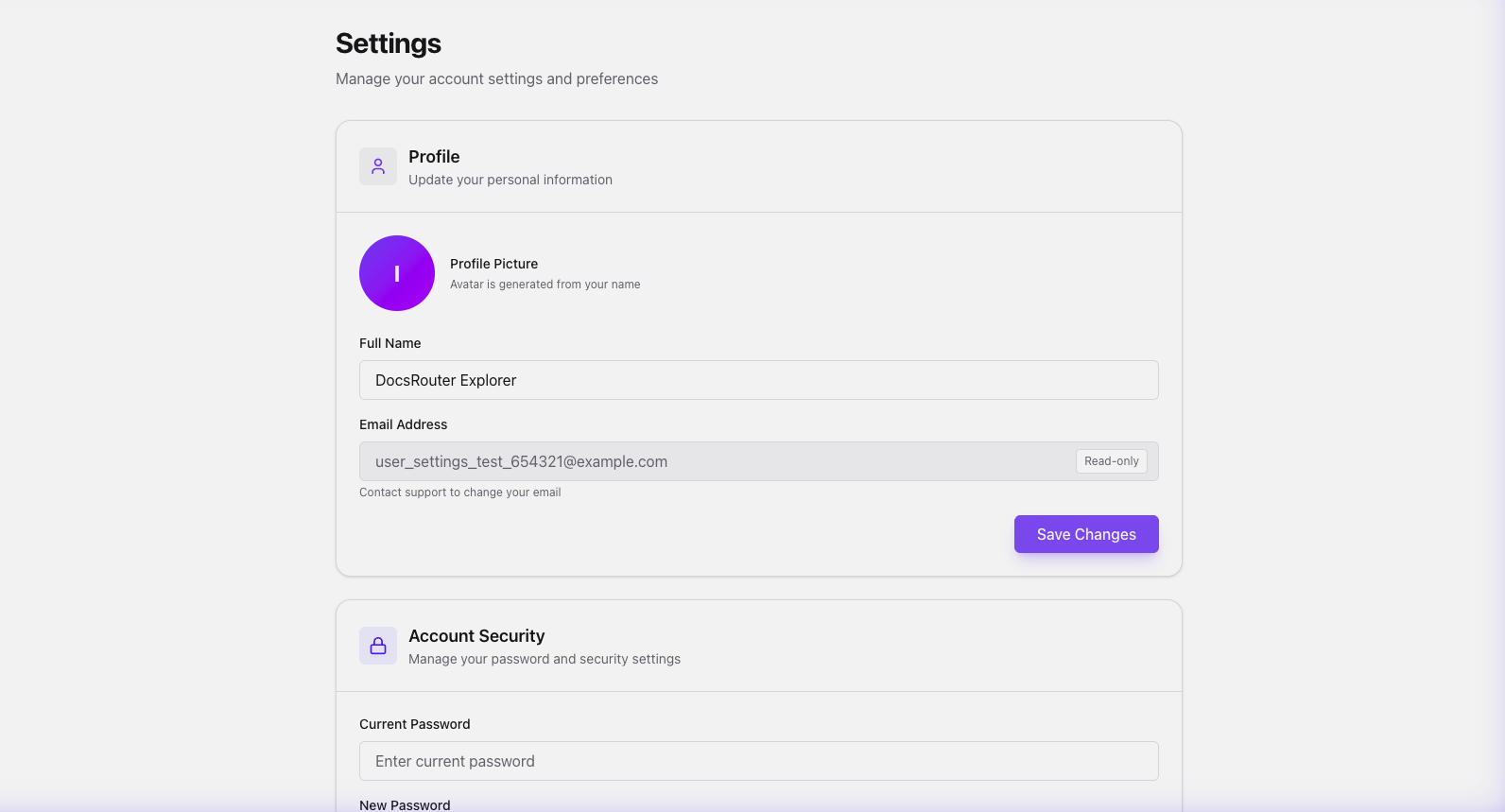
The Experience
The settings journey is designed for simplicity and control, ensuring that managing your profile is as effortless as processing a document.
1. Unified Profile
The settings page serves as the hub for personal information, allowing users to customize their display name used throughout the platform.
2. Seamless Identity Updates
We tested profile management by updating the "Full Name":
- Initial User: The starting state for the account.
- DocsRouter Explorer: Our updated identity.
- Persistence: Savings changes immediately registers the new identity in the backend.
3. Real-Time UI Feedback
DocsRouter utilizes modern reactive state management. As soon as changes are saved, the UI reflects the update, providing immediate confirmation.
Ease-of-Use Highlights
- Zero Latency Updates: Profile changes are reflected across the dashboard instantly.
- Clean Form Design: High-contrast inputs and clear button states.
- Security First: Strict separation between profile aesthetics (name) and core account security details.