Early-access workflow
This is an implementation pattern, not an accuracy or processing-time guarantee. Test against your own invoice formats.
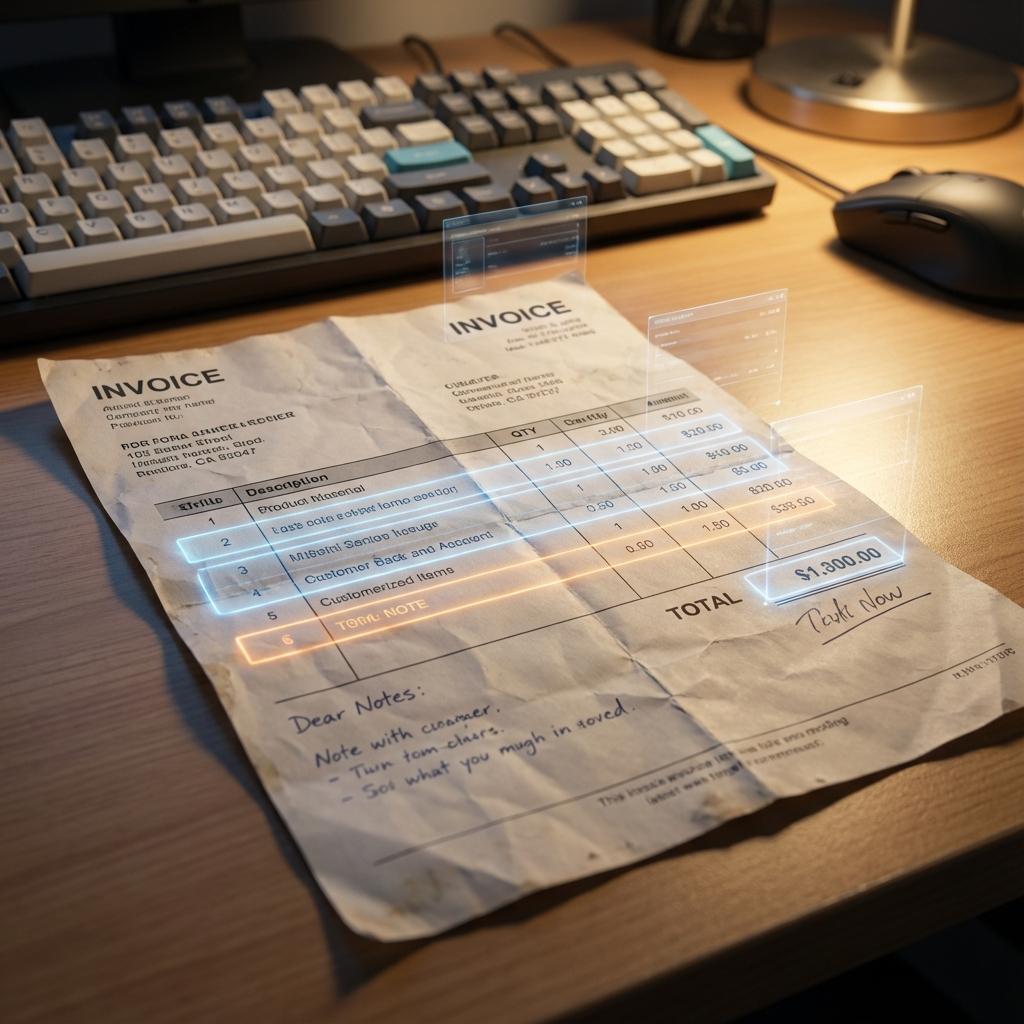
Multi-page invoices make line-item extraction harder because headers repeat, rows can wrap, and totals may appear only on the final page. /v1/ocr returns a result.pages array and combined text for supported multi-page documents.
{
  "url": "https://example.com/invoice.pdf",
  "strategy": "quality",
  "options": {
    "extract_tables": true,
    "output_format": "json"
  }
}
After extraction, your application should:
- Validate every required field and data type.
- Reconcile line-item sums with subtotal, tax, and total.
- Compare the extracted purchase-order number and amount with your database.
- Send ambiguous or inconsistent documents to human review.
DocsRouter does not perform two-way matching, fraud detection, or automatic model fallback. Those controls belong in the AP system around the OCR response.